




Enable the customer area
- Open Payment & Invoice details.
- Under Customer area, enable the option Tenants have access to the customer area.
- Save the settings.
The customer area is included in the PRO plan and applies per property.
How tenants get access
On every invoice you create after enabling it, the following appear:
- a QR code that leads directly to the tenant's personal sign-in page
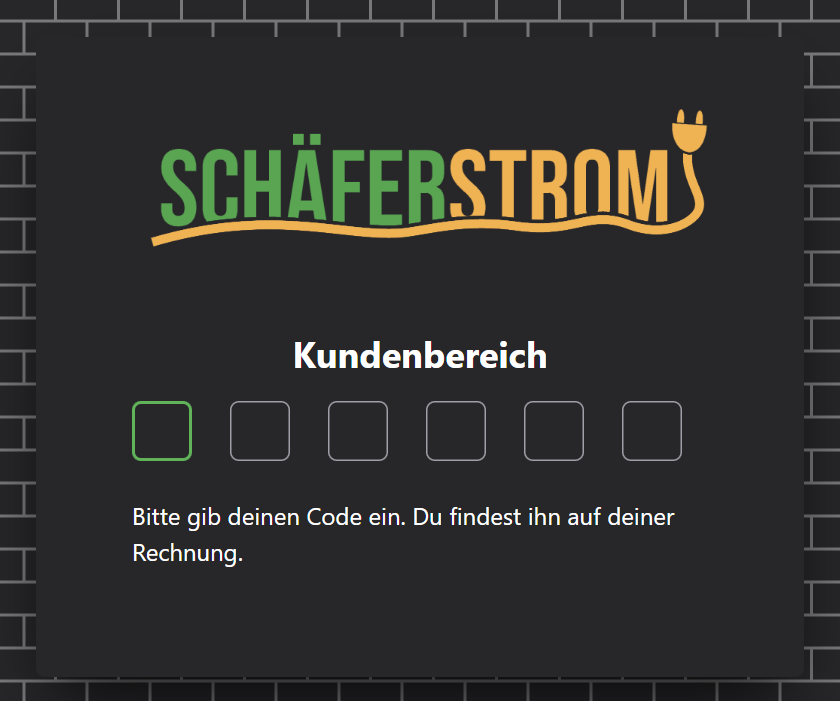
- a six-digit code the tenant uses to sign in
Each tenant has their own code. It stays the same as long as the tenant exists. So you do not have to send anything separately to your tenants.
What tenants see
After signing in, the tenant sees all invoices issued to them under Your invoices. They can view them and download them as a PDF. They do not see any other data of your property.
Disable the customer area
If you disable the option or switch to a plan without the customer area, the customer area is no longer accessible to your tenants. New invoices will then no longer show a QR code or access code.