




Roles
| Role | Permissions |
|---|---|
| Owner | Created the workspace. Their plan determines the limits. Cannot be removed. |
| Administrator | Can do everything, including creating properties and managing tariffs, payment and invoice details, payment imports and the team. |
| Member | Helps with day-to-day work: tenants, apartments, meters, meter readings, invoices, credit notes, assigning payments and exports. |
Members see the menu items Tariffs and Payment & Invoice details, but cannot open them.
Invite someone
- Open the team from the property selection with Manage team or via your account.
- Click Invite.
- Enter the email address and choose the Role.
- Click Send invitation.
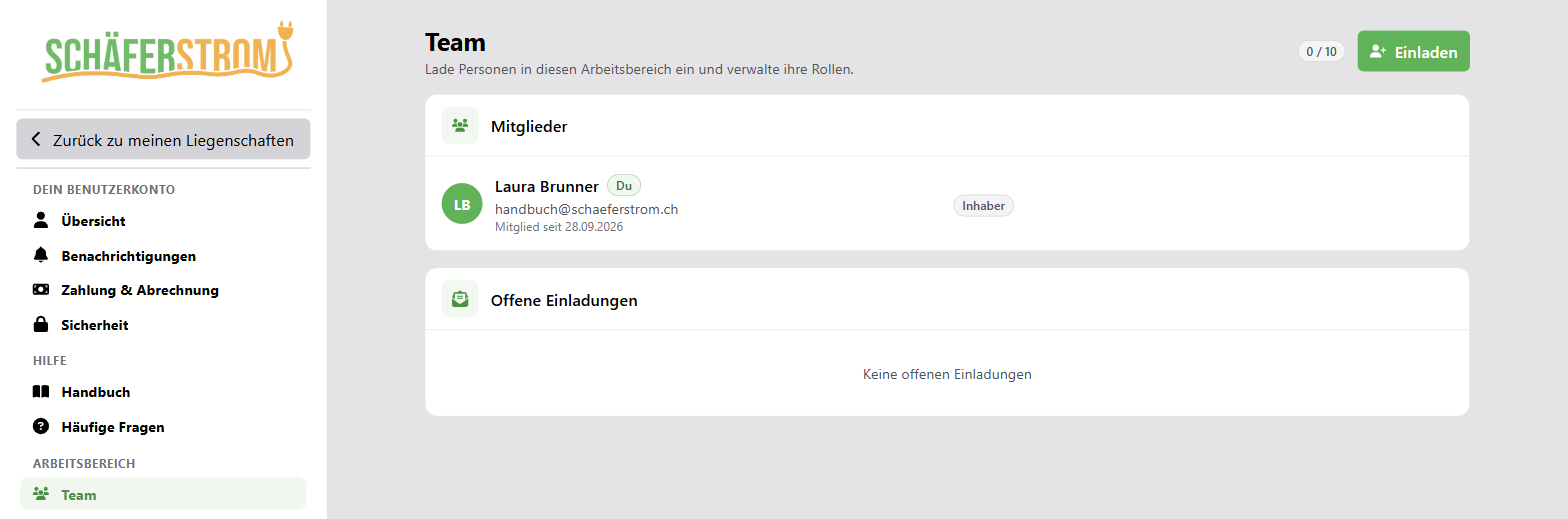
The invited person receives an email with a link that is valid for 7 days.
- If they already have an account, they sign in and accept the invitation.
- If they do not have an account yet, they register directly via the link. A separate confirmation of the email address is then not needed.
Team members do not need their own subscription. How many people you can invite depends on the owner's plan. Pending invitations count towards this.
Manage invitations
Under Pending invitations you can see until when an invitation is valid. You can Resend or Revoke it.
Manage members
- Use the selection field next to a member to change their role.
- With Remove you take away a person's access to the workspace.
Several workspaces
You can be a member of several workspaces, for example your own and that of a property management company. With Switch workspace in the property selection you switch back and forth between them.